
Essential Tips for Accurate Surface Temperature Measurement with an IR Thermometer
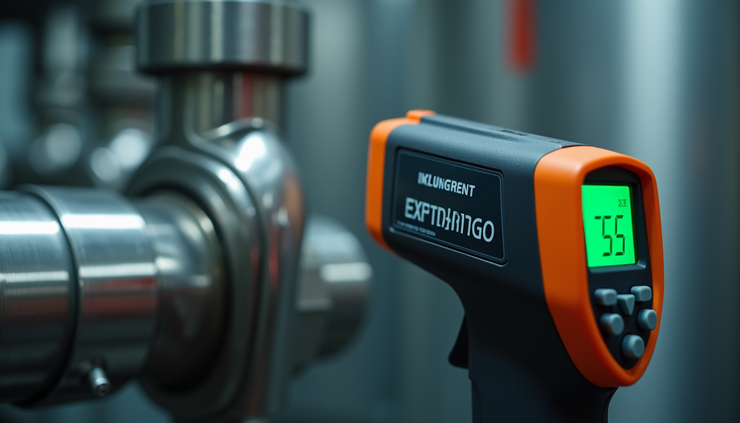
Measuring surface temperature quickly and without contact is crucial in many fields such as industrial maintenance, electrical work, HVAC, and general equipment monitoring. Infrared (IR) thermometers offer a fast and safe way to get temperature readings, but using them correctly is key to getting reliable results. This post explains how to use an IR thermometer properly to ensure accurate surface temperature measurements every time.
Understand the Distance-to-Spot Ratio
One of the most important factors in using an IR thermometer is the distance-to-spot ratio (D:S ratio). This ratio tells you how far away you can hold the thermometer while still measuring a specific size of the target area. For example, a 12:1 ratio means at 12 inches away, the thermometer measures the temperature of a 1-inch diameter spot.
If you hold the thermometer too far, the measurement area becomes larger and may include unwanted surfaces, leading to inaccurate readings. To get the best results:
Keep the target fully filling the measurement spot. Move closer if the spot size is larger than the object.
Check the D:S ratio in your thermometer’s manual. Use it to calculate the ideal distance for your target size.
Avoid measuring small objects from too far away. This can cause the reading to include background temperatures.
Set the Correct Emissivity for the Material
Emissivity is a measure of how well a surface emits infrared energy. Different materials have different emissivity values, which affect the accuracy of IR temperature readings. Most IR thermometers allow you to adjust emissivity settings.
Use an emissivity setting close to the material’s actual value. For example, painted surfaces usually have an emissivity around 0.95, while shiny metals can be as low as 0.1 to 0.3.
For reflective surfaces, increase accuracy by applying masking tape or flat black paint to the area and measure that instead. This provides a more consistent emissivity.
Consult emissivity charts or manufacturer guidelines to find the right setting for your material.
Hold the Thermometer Steady and Aim Correctly
Movement and aiming errors can cause inconsistent readings. To avoid this:
Hold the thermometer steady while taking the measurement. Sudden movements can blur the reading.
Aim directly at the clean, dry surface you want to measure. Dirt, moisture, or steam can distort the infrared signal.
Never measure through glass or plastic windows. These materials block or alter infrared radiation, leading to false readings.
Take Multiple Readings for Consistency
Temperature can vary across a surface, especially if it is uneven or has hot spots. To ensure accuracy:
Take several readings at different points on the surface. This helps identify any temperature variations.
Compare the readings to confirm consistency. If values differ widely, investigate the cause before making decisions.
Record the highest or average temperature depending on your application. For example, when checking electrical equipment, the highest temperature may indicate a problem.

Use IR Thermometers to Detect Problems Early
Proper use of an IR thermometer can help detect issues before they cause failures or safety hazards:
Spot overheating equipment. Electrical panels, motors, and bearings often show temperature rises before breaking down.
Identify energy loss. Check insulation, ductwork, and windows for heat leaks.
Monitor HVAC system performance. Verify that heating and cooling units operate within expected temperature ranges.
Support preventative maintenance. Regular temperature checks can catch problems early and reduce downtime.


Comments